An e-commerce website in 2025 can cost as little as $1,000 for a template store or more than $100,000 for an enterprise build. A store that actually sells is more than a few product pages and a checkout, and that's where most of the price difference comes from.
The final number depends on your platform, your catalog, your design and the tools the store has to talk to. If you're launching a first store, growing a retail brand or moving an established business online, knowing the real cost up front makes planning, budgeting and growing far easier.
Below you'll find cost ranges by store size, what drives them, the expenses most quotes leave out, and how to spend wisely without burning the budget.
Why Cost Matters in 2025?
Competition is fierce and shoppers expect a lot. Your site has to look good, load fast, handle growth and turn visitors into customers.
That's why spending needs a plan. The better you understand the costs, the more of your budget goes into features that earn revenue and the less goes on bells and whistles you'll never use.
What Influences eCommerce Website Costs?
There's no single price for an e-commerce site in 2025. Your cost comes from a mix of technical, creative and strategic choices.
Here are the main ones:
1. Website Complexity
Some online stores are little more than a catalog. Others are dynamic, multi-layered platforms with their own business rules.
Simple eCommerce Sites: a product list, a shopping cart and payments. They suit small businesses and single-product startups: quick to open and cheap to run.
Advanced eCommerce Sites: these go well past the basics, with:
Custom business logic (pricing rules, subscription billing)
User role management (admin, vendor and customer tiers)
API integrations with CRMs, ERPs, marketing tools and more
Real-time inventory and shipping automation
Each of these adds development time, and the price rises with it.
2. Platform Selection
Your platform sets the ceiling on cost, growth and flexibility.
Shopify / Wix: hosted, subscription-based platforms with built-in tools and drag-and-drop builders, so setup is fast. The catch: deep customization is limited, and extra features often mean paying for apps.
WooCommerce / Magento: open-source platforms with far more freedom. You own the code, customize what you like and scale on your terms. The trade-off is that someone has to handle hosting, security, updates and bug fixes.
Custom Builds: software built around your exact needs. If your business runs on particular workflows or needs enterprise-grade systems, custom is usually the right call. You control everything from specification to deployment, but it takes more time and budget.
3. Design Requirements
Design is how your store works and how it makes people feel, as much as how it looks.
Template-Based Design: simpler and cheaper, and fine for an MVP or a tight budget. The downside is that your store looks like plenty of others.
Custom UX/UI Design: built around your brand, your customers and your conversion goals. It focuses on the shopping journey, mobile experience and trust, which is what drives sales. It also needs skilled designers and a longer timeline.
Plan for accessibility (ADA compliance) and mobile-first design too. Shoppers expect both, and both matter for SEO.
4. Number of Products
The size of your catalog shapes both development time and how the data is structured.
Small Catalogs (up to 50 SKUs): easy to organize and display. You can enter product details and images by hand.
Large Catalogs (hundreds or thousands of SKUs): need proper categories, filters, search, bulk import and sometimes real-time inventory syncing with warehouses or fulfillment centers.
At that scale you may also need a Product Information Management (PIM) system, which is another layer of cost and setup.
5. Third-Party Integrations
A good store depends on how well it connects to the rest of your tools. The common ones, and what they do for you:
CRM Systems (like HubSpot, Salesforce): track customer behavior, automate email campaigns and keep customers coming back.
Email Marketing Software (e.g., Mailchimp, Klaviyo): bring shoppers back with targeted drip campaigns.
ERP Systems: keep inventory, orders and accounting in one place.
POS Systems: sync in-store and online stock so both channels sell from the same inventory.
Live Chat & AI Chatbots: answer shoppers' questions on the spot, so fewer leave without buying.
Each integration needs setup, some custom development and testing, and that adds up.
They usually pay for themselves, though, because every one removes manual work from someone's day.
E-commerce Website Cost Breakdown in 2025
Here's what to expect at each level.
Basic eCommerce Website: $1,000 – $5,000
Right for solo founders and small shops. Includes:
Template-based design
10–50 products
Basic shipping & payment setup
Hosted on Shopify, Wix, or WooCommerce
Mid-Level Website: $5,000 – $20,000
Built for growing brands:
Custom design and branding
100–500 products
Blog, customer accounts, live chat
Mobile optimization
3rd-party integrations (email, CRM)
Advanced or Enterprise Website: $20,000 – $100,000+
For operations that are scaling fast:
Headless commerce or PWA
Multi-language, multi-currency support
Complex integrations (ERP, analytics, AI chatbots)
Advanced search, filtering, and automation
Custom checkout flows
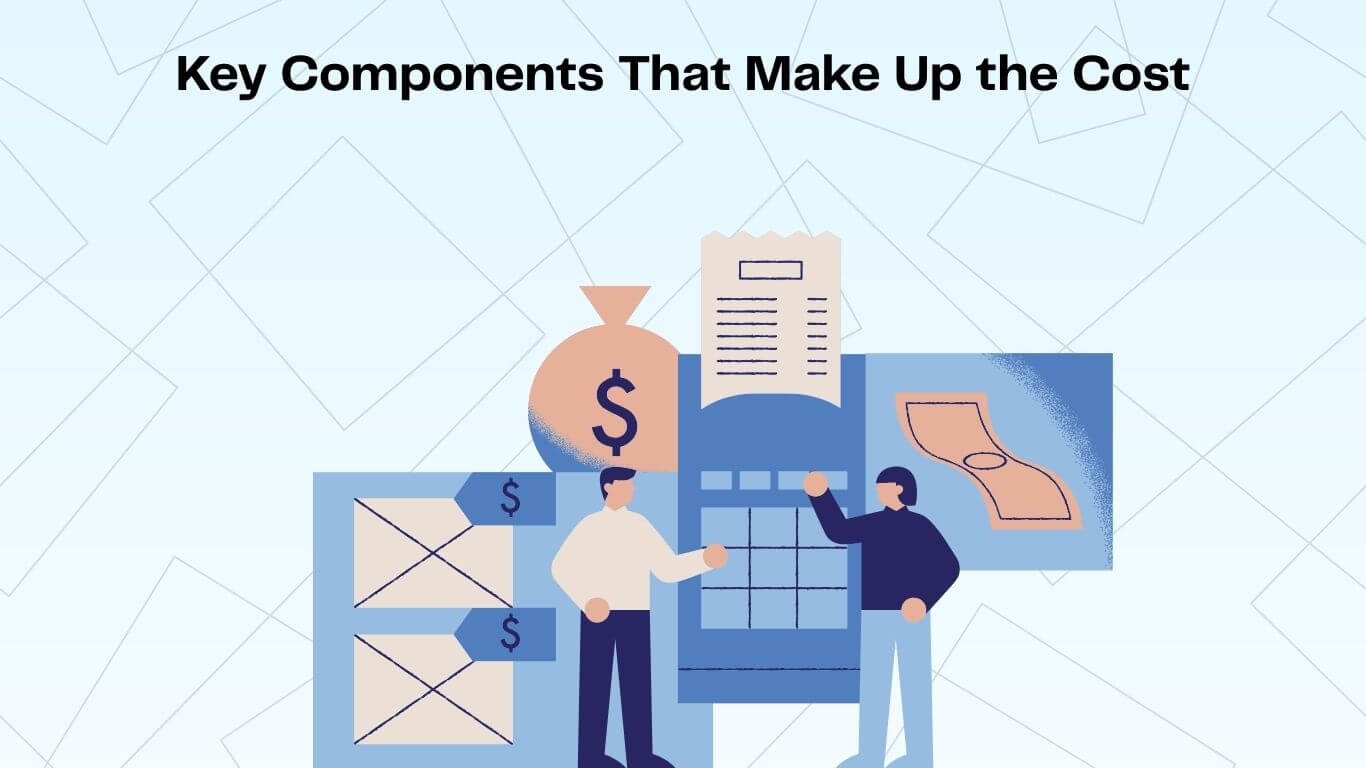
Key Components That Make Up the Cost
Component | Estimated Cost (2025) | Description |
Domain Name | $10–$50/year | Your brand's online address |
Hosting | $20–$500/month | Based on traffic, storage and security |
Design (Template) | $0–$500 | Fast and budget-friendly |
Design (Custom) | $2,000–$10,000+ | Fully branded, UX-optimized |
Development | $2,000–$50,000+ | Depends on features & team |
eCommerce Platform | $0–$2,000+/year | Shopify, WooCommerce, etc. |
Plugins/Extensions | $200–$2,000 | Add features without custom code |
SSL Certificate | $0–$200/year | Secure checkout, HTTPS |
Payment Fees | 2–3% per transaction | Stripe, PayPal, etc. |
Maintenance & Support | $500–$10,000+/year | Ongoing updates and fixes |
Hidden Costs You Shouldn't Ignore
1. SEO & Content Strategy
The most beautiful store in the world won't sell if nobody finds it. If you're not on Google's first page, most shoppers never see you. SEO work includes:
Keyword research
On-page SEO (meta titles, descriptions, image optimization)
SEO-friendly URL structure
Blog content planning & product copywriting
Structured data markup
This is ongoing work for content strategists, writers and SEO specialists, so it carries a real, recurring cost.
2. Speed Optimization
Speed sells. A 1-second delay in page load time can reduce conversions by up to 20%, and speed is a direct Google ranking factor.
What affects speed?
Image compression and lazy loading
Minimizing CSS/JS files
Fast, scalable hosting
Content Delivery Network (CDN)
Optimized mobile experience
The hidden cost is engineering time: setting up caching, tuning assets and, on larger stores, building on a headless architecture so pages load quickly.
3. Legal Compliance (GDPR, CCPA, ADA)
Privacy and accessibility rules used to be treated as suggestions. They aren't anymore, and ignoring them can mean heavy fines or lawsuits.
You may need to implement:
Cookie consent banners
Data collection opt-ins
ADA-accessible features (screen reader accessibility, color contrast, keyboard navigation)
Data privacy policies and opt-out mechanisms
Budget for it. Compliance can mean legal advice, design changes and extra tools, especially if you sell internationally.
4. Training & Documentation
A capable backend is no use if your team doesn't know how to run it.
Common training needs:
Adding/editing products
Fulfilling orders and managing returns
Updating banners or homepage content
Managing inventory or discounts
Live training, written guides, video walkthroughs and ongoing support can all add time or cost.
5. Analytics Setup
Without data, you're guessing. Analytics shows you what's working and where sales slip away.
What to set up:
Google Analytics 4 (GA4)
Google Tag Manager
Conversion tracking (e.g., checkout funnels, button clicks)
Heatmaps or session recordings (e.g., Hotjar, Microsoft Clarity)
The easy-to-miss cost is getting it set up correctly, and then having someone who actually reads the data and acts on it.
Should You DIY or Hire a Development Agency?
DIY builders like Wix and Shopify are tempting on a tight budget. They limit flexibility, though, and a single misconfigured setting can quietly cost you sales.
Agencies like us help you:
Launch faster with experienced guidance
Avoid expensive mistakes
Build a store that can grow with the business
Spend on features that earn a return, not just ones that look nice
Tips to Save Money (Without Sacrificing Quality)
Start with an MVP: launch with the essentials and add the rest later.
Use Open Source (like WooCommerce): more control, fewer subscription fees.
Buy Quality Plugins: no need to rebuild what already exists.
Hire Strategically: don't offshore everything; put money into strong design and development first.
Frequently Asked Questions
How long does it take to create an e-commerce website?
A: 4–8 weeks for simple sites; 3–6 months for custom enterprise builds.
Can I upgrade my current website instead of rebuilding?
A: Often, yes. It depends on your tech stack and goals, and we'll look at both before recommending anything.
What is the return on investment in custom development?
A: Higher conversion rates, better retention and lower customer acquisition costs.
Final Thoughts
What your store costs depends on the choices above, but the money is better thought of as an investment in how you sell.
Whether you're launching a new brand or rebuilding an established store, knowing your budget and your options is what keeps a 2025 project on track.
With the right development team, you're building the store your competitors have to catch up with.
Tell us what you're selling and how, and we'll put together a free quote.