
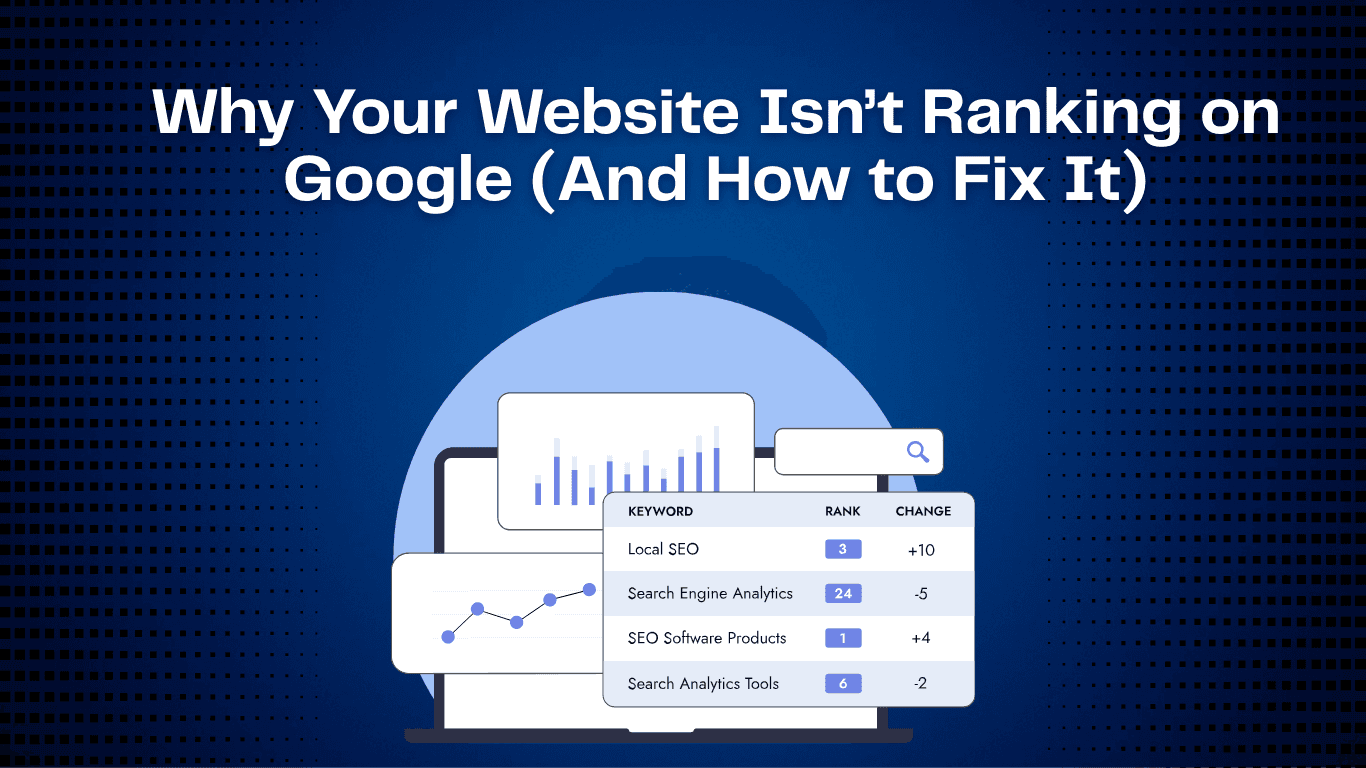
Your website may look great, but...
Picture it: you’ve put real time, money and creativity into your website. Sleek design, professional photos, sharp copy. It’s all there.
There’s just one problem.
Search for your business on Google and it’s nowhere. Not on page one, not on page two or three. Meanwhile your competitors sit on the first page, sometimes with sites that are frankly worse than yours.
If you’re not on page one, most of the customers searching for what you sell will never see you.
Most searchers never get past the first page. So every day your site sits lower down, you’re losing traffic, leads and sales to whoever is above you.
Why isn’t your website ranking, and how do you fix it before your competitors take the customers who should be yours?
Let’s get into it.
Why Ranking on Google Matters
Ranking well on Google is about more than exposure. It drives visibility, credibility and revenue.
Think about how you search. When you look up “best restaurants near me” or “affordable SEO services,” do you scroll to page four or five? Of course not. You pick from the top results on the first page.
Here’s what that means for your business:
Traffic = Sales: a higher ranking brings more visitors, and more visitors means more chances to sell.
Trust Factor: many people trust Google’s top organic results more than the paid ads above them.
Long-Term ROI: with advertising, the traffic stops when the budget does. SEO keeps bringing people in without a cost per click.
If you want customers, you need to be visible, and for most businesses Google is where that starts.
The 6 Big Reasons Your Website Isn’t Ranking on Google
Google isn’t ignoring you out of spite. There are specific, fixable reasons your site isn’t showing up. These are the six we see most:
1. You’re Targeting the Wrong Keywords
A common reason a site doesn’t rank is that it’s chasing the wrong keywords. Plenty of businesses go after broad, high-traffic terms like “shoes” or “real estate.”
The trouble is that huge brands with huge SEO budgets own those terms. Taking them on as a small or mid-sized business is like stepping into the ring with a heavyweight champion on your first day at the gym. You might land a punch eventually, but it will take years of work and a lot of money before you have a real chance.
Why does it hurt? The wrong keywords waste time and money. You can spend months writing content, building backlinks and optimizing pages, only to attract traffic that looks good in a report and never turns into customers.
A Better Way
Skip the “trophy” keywords and go after the specific, high-intent phrases your ideal customers actually type. For example:
❌ Bad: “restaurant”
✅ Good: “best family restaurants in New York City”
Focused phrases like this face less competition and bring in visitors who are ready to buy, not just browse.
2. Weak On-Page SEO
On-page SEO covers everything on a page you control directly, from the visible content and images to the HTML structure underneath. That includes the content itself, title tags, meta descriptions, headers (H1, H2 and so on), URL structure and how your images are labeled.
Done well, on-page SEO tells Google exactly what a page is about and why it deserves to rank. Done badly, or ignored, it leaves search engines guessing, and guessing almost always means lower rankings.
Why is that a big problem? If your titles, meta descriptions and headers aren’t optimized, Google has a harder time working out the page’s main topic. It’s like handing in a school assignment with no title: the teacher has to guess what it’s about, and the grade suffers.
Google uses these signals to decide:
What your page is about
Which keywords it should rank for
How relevant it is to a user’s search query
When those signals are weak or buried, even well-written content loses to competitors sending stronger, clearer ones.
Example:
Say you have a page about the best vegan restaurants in New York.
Weak On-Page SEO Example:
Title Tag: Home
Meta Description: Welcome to our site
H1 Header: Our Blog
No mention of the keyword in the opening paragraph
URL: yoursite.com/page1
Google looks at that page and concludes it could be about anything, so it won’t rank it for “best vegan restaurants in NYC.”
Strong On-Page SEO Example:
Title Tag: Best Vegan Restaurants in New York City - 2025 Guide
Meta Description: Find the best vegan restaurants in NYC, with reviews, menus and insider tips for your next plant-based meal.
H1 Header: Top Vegan Restaurants in NYC You Need to Try
H2s: Best Vegan Brunch Spots, Affordable Vegan Lunch Options, Fine Dining for Vegans in New York City
The keyword appears naturally in the intro paragraph and throughout the text
URL: yoursite.com/vegan-restaurants-nyc
Now Google knows exactly what the page offers, and its chances of ranking go up sharply.
Without good on-page SEO, your content is a great book with no title page, no table of contents and no chapter headings: hard for readers and search engines to find their way through.
In competitive markets, weak on-page SEO is often why a company loses to competitors whose content is no better than its own.
3. Thin or Low-Quality Content
When the content on your site is short, generic or says nothing useful, it sends a clear message to search engines and readers alike: there’s nothing here worth staying for.
Google’s algorithm favors high-quality, original, detailed content, because that’s what keeps searchers happy. Thin content, like a 100-word post full of generic statements and no practical guidance, fails to attract visitors and actively hurts your standing with Google. It’s worth taking seriously.
For example:
Take two websites targeting the keyword “Best Italian Restaurants in Chicago.”
Site A posts one short paragraph: “Chicago has plenty of Italian restaurants. Some are good for pizza, others for pasta.” That’s it. No names, no reviews, no photos, no addresses.
Site B publishes a 2,000-word guide with a ranked list of restaurants, opening hours, customer reviews, price ranges, good photos and insider tips on what to order.
Which one will Google rank higher? Site B, easily, because it gives readers depth, detail and something genuinely useful.
Publishing thin content regularly can drag down your whole site, not only the page in question. Google may start treating the site as low quality or untrustworthy, and rankings suffer across the board.
In competitive niches, that’s the difference between page one and page ten, where nobody looks. And because so few searchers go past page one, it’s effectively the difference between traffic and none.
4. No Backlinks = No Authority
Backlinks are votes of confidence from other websites. When an authoritative site links to your content, it tells Google your information is useful, trustworthy and worth ranking higher.
Why is that a problem?
Backlinks are one of the core signals Google’s algorithm relies on. With few or none, you’re telling search engines nobody in your niche vouches for you, and without that authority a site can stay stuck on page five or worse, however good the content is.
Take two websites selling the same product. One has been referenced on industry blogs, news sites and partner websites (100+ backlinks); the other has never been mentioned anywhere. Google will rank the first one higher almost every time, on the strength of all those third-party votes.
5. Technical SEO Issues
In the site audits we run, one category of problem keeps coming back: technical SEO. These issues can badly damage a site’s rankings and performance in search results, and they’re often invisible until someone goes looking.
No HTTPS Security
The site isn’t secured with HTTPS, so browsers show a “Not Secure” warning. That erodes trust and can hurt rankings.
Site Isn’t Indexed Correctly
Some pages, or the whole site, never make it into Google’s search results.
No XML Sitemap
Without an XML sitemap, search engines can miss important pages or struggle to find them.
Missing or Incorrect Robots.txt
A missing robots.txt file, or a bad rule in it (e.g., Disallow: /), can block search engines from crawling your site.
Meta Robots NOINDEX Set
Important pages carry a “noindex” directive by mistake, which keeps them out of search results entirely.
Slow Page Speed
Slow pages hurt the user experience and your rankings at the same time.
Multiple Versions of the Homepage
When your homepage resolves at several addresses (HTTP and HTTPS, www and non-www), you get duplicate content and diluted rankings.
Incorrect Rel=Canonical
Wrong canonical tags lead search engines to ignore or misread which version of a page is the real one.
Duplicate Content
The same content living at several URLs confuses search engines and drags rankings down.
Missing Alt Text
Without alt attributes, search engines can’t understand your images, and the site is harder to use for people relying on screen readers.
Broken Links
Links that land on a “404 Not Found” page frustrate visitors and hurt the site’s SEO.
Little or No Structured Data
Without structured data (schema markup), search engines can miss key details about your pages, along with the chance to show them as rich results.
Poor Mobile Optimization
If the site isn’t mobile-responsive, it’s a poor experience on phones, and rankings can slip as a result.
Missing or Non-Optimized Meta Descriptions
Pages with no meta description, or a weak one, tend to get fewer clicks from search results.
Users Sent to Pages with Wrong Language
Visitors land on the wrong language version of a page, usually because of incorrect hreflang settings.
6. Ignoring Local SEO
If you’re a local business and haven’t optimized for local search, you’re close to invisible to nearby customers who are actively looking for what you sell.
When someone searches “near me” or adds a place name (like “restaurant in Brooklyn”), Google favors businesses with strong local SEO: accurate business listings, good local reviews and citations from other local sites.
Without those, your competitors take the map pack and the local results, and you lose high-intent customers in your own backyard.
What to Do Now: Fix It Step by Step
Your site may have a gorgeous design and great content, but if it isn’t ranking, much of that effort is going to waste. The good news is that a site missing from Google is rarely a lost cause.
Every one of these problems has a fix. Audit the site properly, diagnose the weak spots and make targeted changes, and you give yourself a real shot at the top of the results.
Here’s where to start:
1. Audit Your Site Dispassionately
Check for technical SEO issues: HTTPS, page speed, XML sitemap, robots.txt, broken links.
Use tools like Google Search Console, Screaming Frog or SEMrush.
Example: A bakery in a small town noticed its pages weren’t indexed. Google Search Console showed a “noindex” meta tag on every product page. Removing it made the pages crawlable straight away.
2. Review and Update Your Keyword Plan
Research the keywords your target customers actually search for.
Focus on long-tail, low-competition, high-intent keywords over generic ones.
Example: Target “Best Family Restaurants in New York City” over plain “restaurant.” The competition narrows and the traffic you do get is qualified.
3. Strengthen On-Page SEO
Optimize title tags, meta descriptions, headers (H1/H2/H3), URL structure and image alt text.
Work your primary keyword into intro paragraphs and headings, but keep it natural.
Example: A restaurant guide page improved its ranking by updating:
Title: “Best Family Restaurants in NYC: 2025 Guide”
Meta Description: Detailed and keyword-rich.
URL: yoursite.com/family-restaurants-nyc
4. Improve Content Quality
Replace thin content with in-depth guides, product reviews or tutorials.
Add images, videos, tables and practical tips to keep readers engaged.
Example: A small Italian restaurant replaced a 100-word blog post with a ranked guide to the top local Italian restaurants, complete with menu highlights, addresses and insider tips. Its rankings climbed to page one.
5. Build Backlinks Strategically
Earn votes of confidence from reputable sites in your industry.
Guest posts, collaborations, press mentions and local citations all count.
Example: An online boutique earned 50+ backlinks from fashion blogs, which helped it overtake competitors with better-looking websites but fewer authoritative links.
6. Fix Technical SEO Issues
Resolve duplicate content, canonical, page speed, mobile optimization and structured data problems.
Example: A service business had several versions of its homepage. Consolidating them into one canonical URL and fixing page speed increased its organic traffic by 40%.
7. Optimize for Local SEO (if applicable)
Claim your Google Business Profile and keep it up to date.
Encourage honest customer reviews.
Keep your NAP (name, address, phone) identical in every directory.
Example: A Brooklyn café added recent photos and menus and corrected its hours on its Google Business Profile. Within weeks it was appearing in the map pack for searches like “coffee near me.”
Where to Start
Rankings don’t improve overnight, which is exactly why the start date matters. Every week you wait is another week of customers finding your competitors first.
So start this week.
Want to know what’s holding your rankings back? We offer a FREE Audit of your website: we’ll find the issues and show you exactly how to fix each one.
At Flaidex, we’ve helped business owners go from invisible to found by the people already searching for them. The turnaround often starts with a handful of simple fixes, done consistently.
There’s no perfect moment to begin. Each fix moves you a step closer to page one, and to the customers who are already looking for you.
Book your free audit.